
SD card care: how to format your dashcam card (and how often)
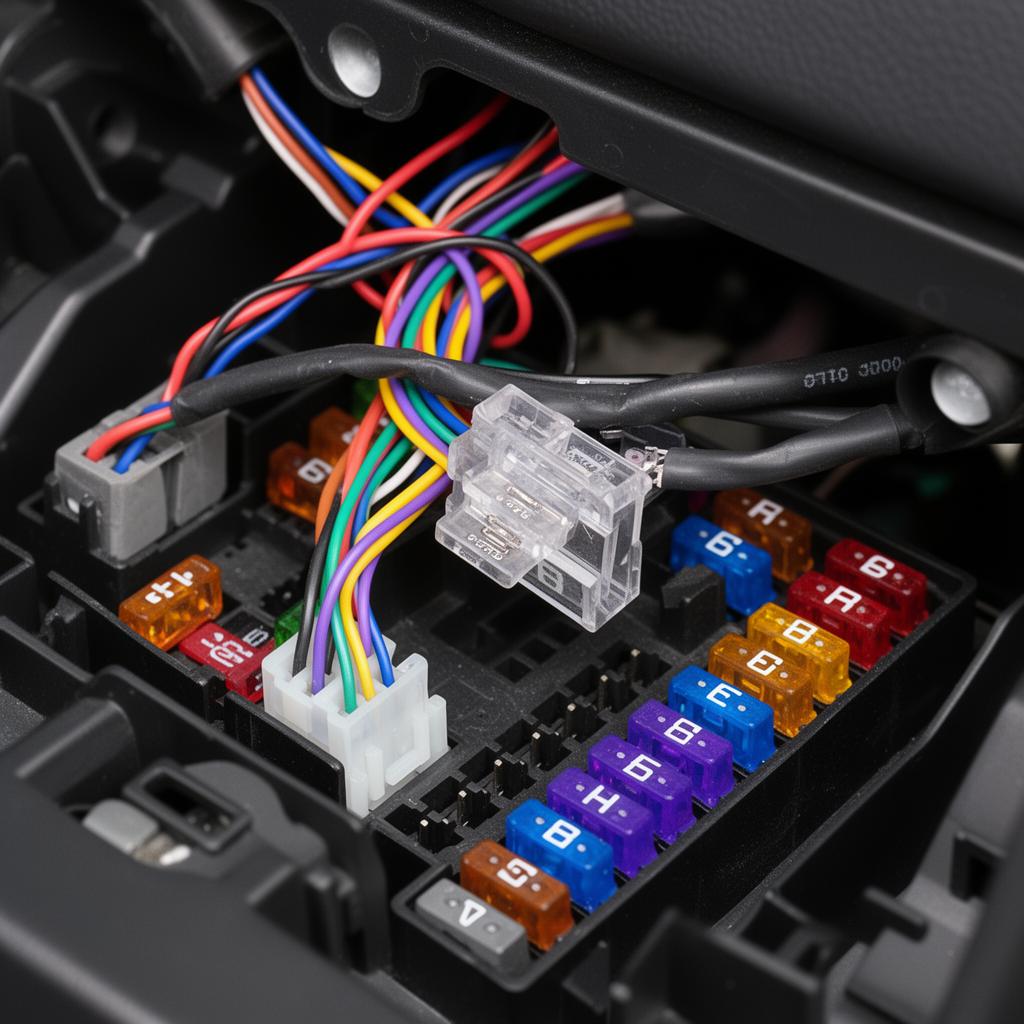
SD card care — key points
Almost every 'my dashcam stopped recording' call we take comes back to the SD card. Dashcams write continuously, so cards wear out faster than they do in a phone or camera.
Use a high-endurance card. Brands like SanDisk High Endurance and Samsung PRO Endurance are designed for constant rewriting and last far longer in a dashcam.
Format the card in the camera — not in a computer — once a month. In-camera formatting rebuilds the file structure the way your dashcam expects it and clears the fragmentation that causes dropped clips.
Before formatting, copy off any incident clips you want to keep. Loop recording will eventually overwrite anything left on the card.
Replace the card every 6–12 months if you drive daily or use parking mode. Cards are cheap; missing footage after a crash is not.
If your dashcam keeps warning about the card even after formatting, the card has reached end of life. Swap it and the errors disappear.
Ready to book? See our dashcam installation services or find your area on the service areas page.
Look after your dashcam
Free guides from our installers on preparing for install day, SD card care, parking mode in the Australian heat and saving footage after an incident.


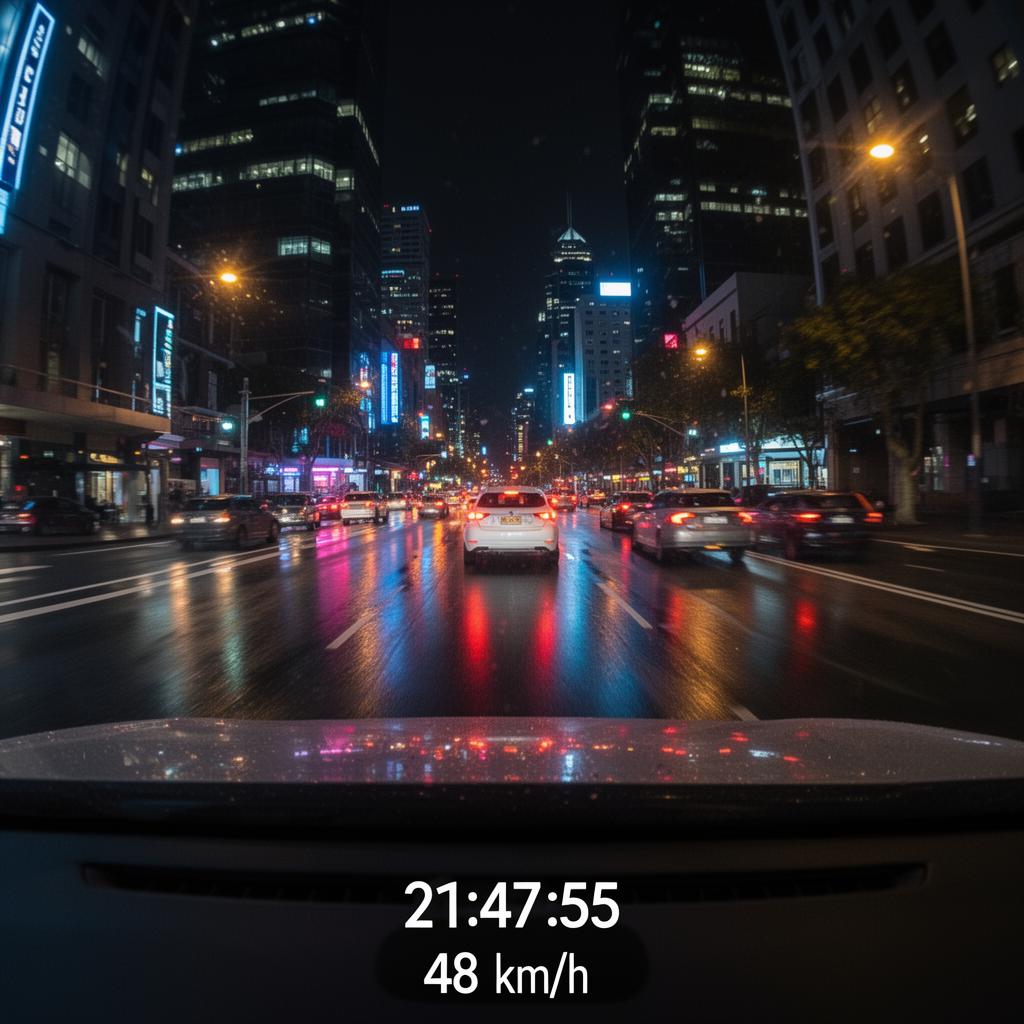
A one-page printable checklist: what to prep before install, first-week setup, monthly care and what to do after an incident.