
After an accident: how to save and submit your dashcam footage
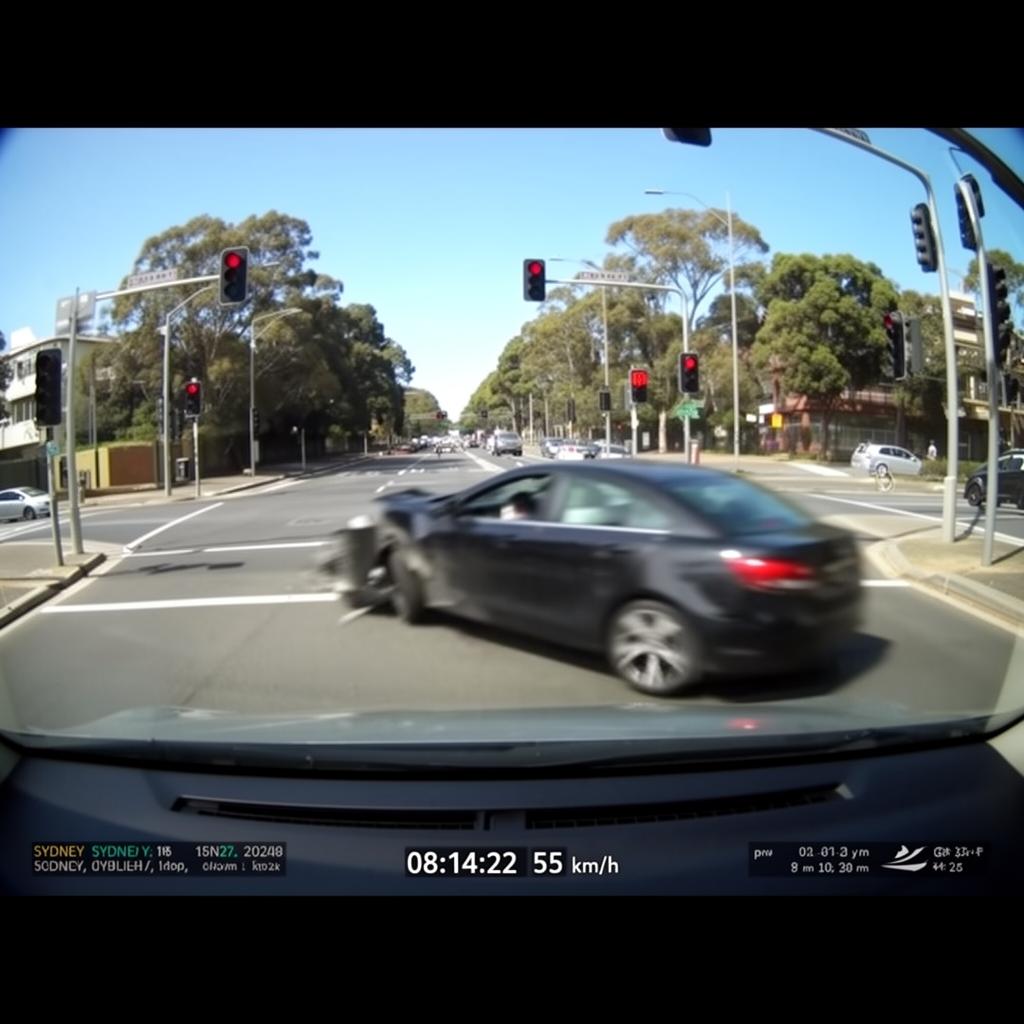
After an accident — key points
First, make sure everyone is safe and follow the usual steps — exchange details, and call police if anyone is injured or a vehicle needs towing.
Press the emergency or lock button on your dashcam as soon as it's safe. This moves the clip into a protected folder so loop recording can't overwrite it.
When you're home, remove the SD card and copy the original file to your phone or computer. Keep the raw file exactly as the camera saved it.
Do not trim, crop, re-encode or add music. Insurers and NSW Police want unedited footage with the original timestamp and GPS data intact — edited clips can be dismissed.
Note the date, time, direction of travel and location, and take photos of the vehicles and the scene as supporting evidence.
Submit the file to your insurer as soon as you lodge the claim. Drivers with clear footage usually see fault decided far faster.
Ready to book? See our dashcam installation services or find your area on the service areas page.
Look after your dashcam
Free guides from our installers on preparing for install day, SD card care, parking mode in the Australian heat and saving footage after an incident.
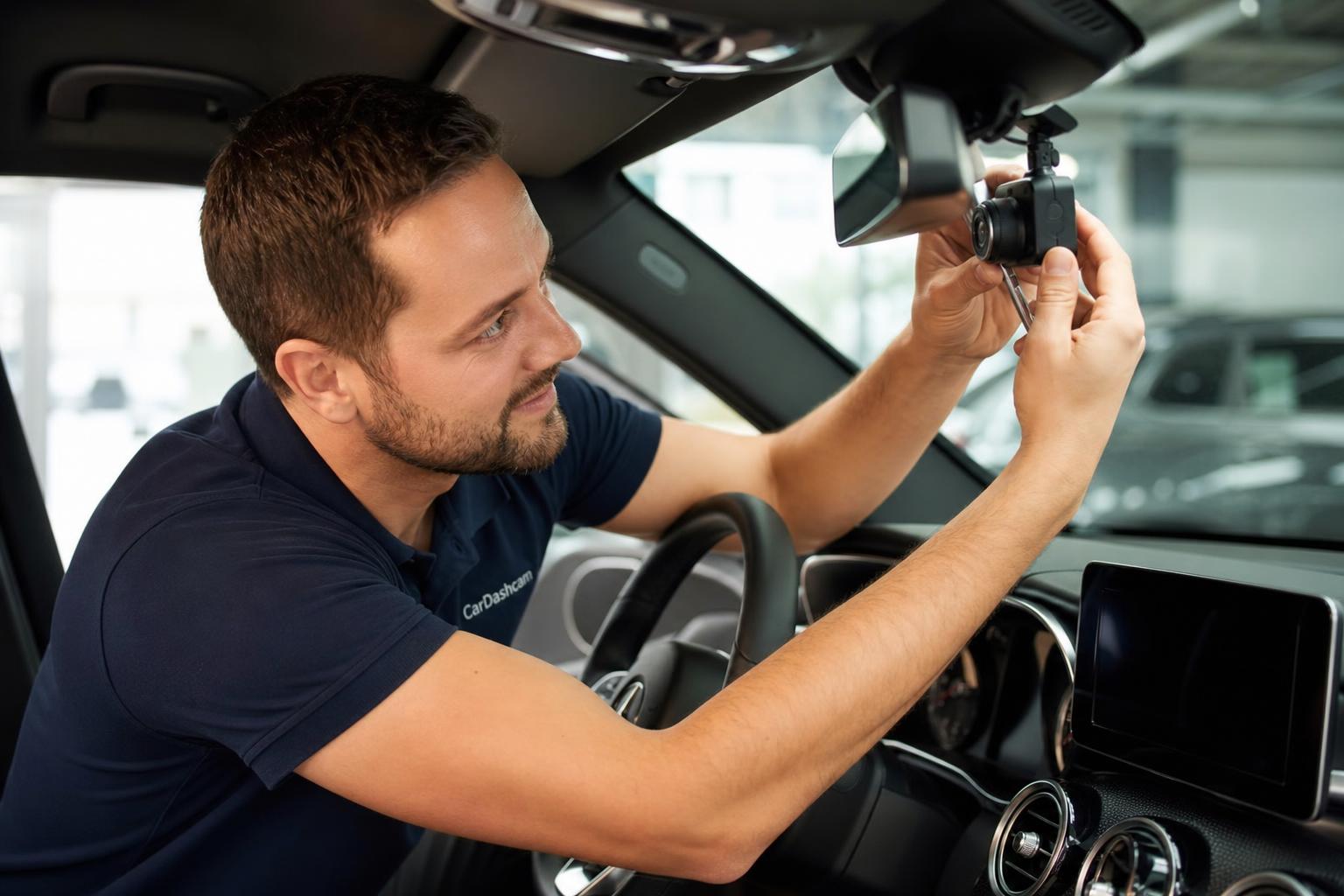
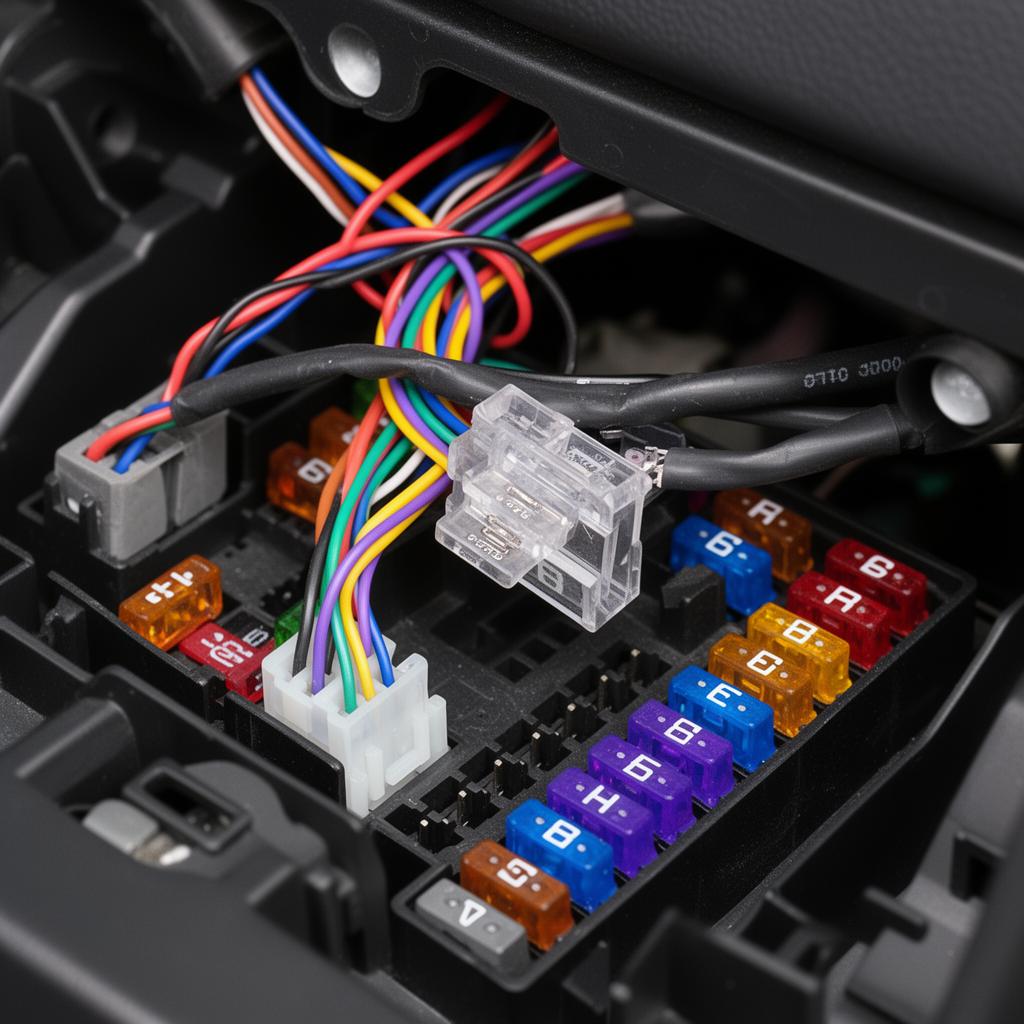
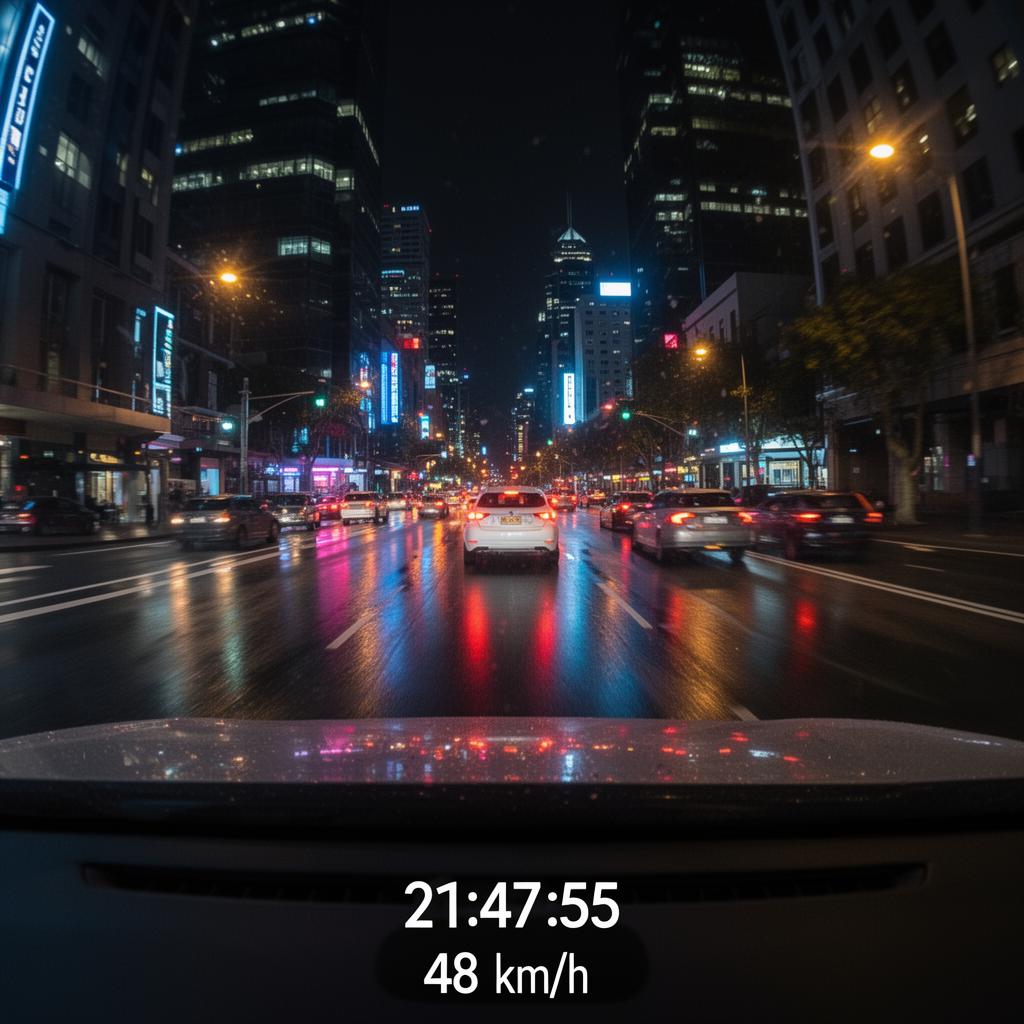
A one-page printable checklist: what to prep before install, first-week setup, monthly care and what to do after an incident.